

Graph databases are built for connected data. Instead of forcing relationships through joins and lookup tables, they treat relationships as first-class parts of the model. That makes them a strong fit for systems where connections matter as much as the records themselves.
In this guide, we will cover:
- what graph databases are
- why Neo4j is widely used
- core Cypher query patterns
- how to install Neo4j Desktop
- how to build a simple example graph
Meet Neo4j
Graph databases store data as nodes and relationships.
- Nodes represent entities such as people, companies, products, or places.
- Relationships represent how those entities are connected.
This model is especially useful for:
- social networks
- recommendation engines
- fraud detection
- network analysis
- dependency mapping
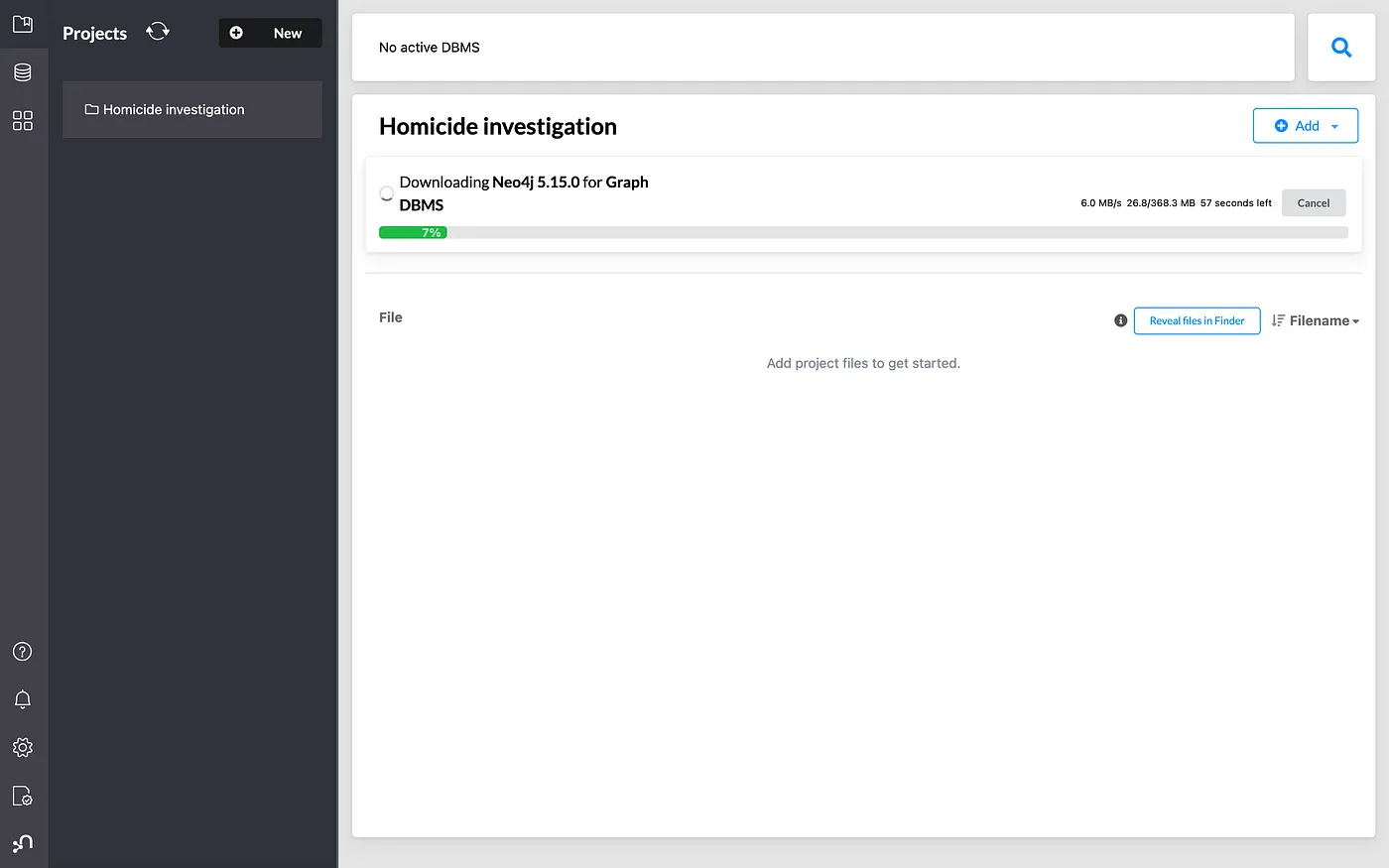
Unlike relational databases, which often need multiple joins to answer relationship-heavy questions, graph databases are designed to traverse those connections directly.
What Is Neo4j?
Neo4j is one of the best-known graph databases, alongside systems such as JanusGraph, Amazon Neptune, OrientDB, ArangoDB, and Azure Cosmos DB.
Neo4j started in 2007, founded by Emil Eifrem and his team, with the goal of building a database optimized for highly connected data.
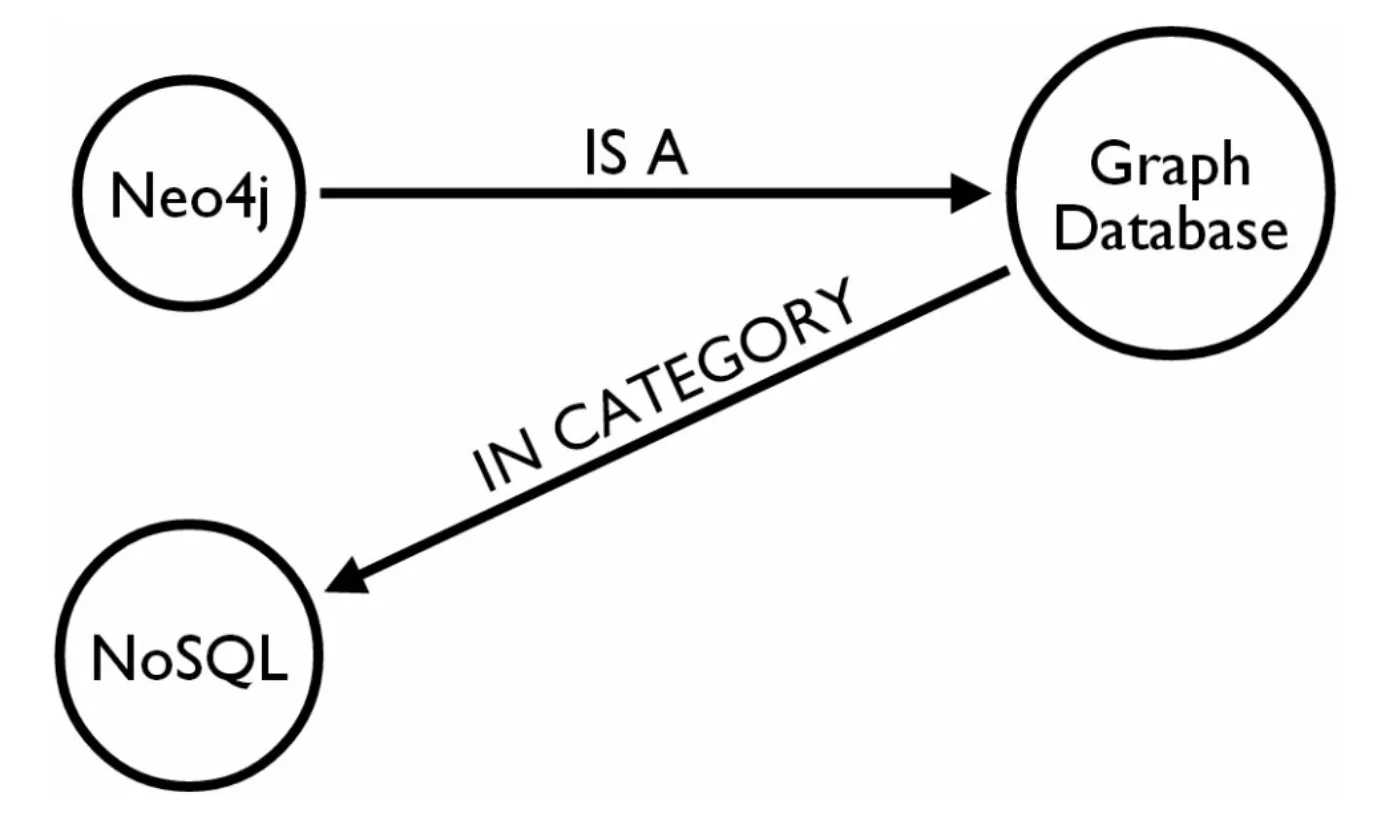

Today, Neo4j is used across industries where understanding relationships is central to the product or workflow.
Neo4j Basics
Neo4j is a native graph NoSQL database that supports ACID transactions.
Atomicity
Either the whole transaction succeeds, or none of it does.
Consistency
A transaction moves the database from one valid state to another valid state.
Isolation
Concurrent transactions do not interfere with each other.
Durability
Once committed, changes remain persisted even if a crash happens afterward.
Neo4j is mainly implemented in Java, with some Scala components, and comes in:
- Community Edition for open-source use
- Enterprise Edition for advanced operational features such as backups, clustering, and monitoring
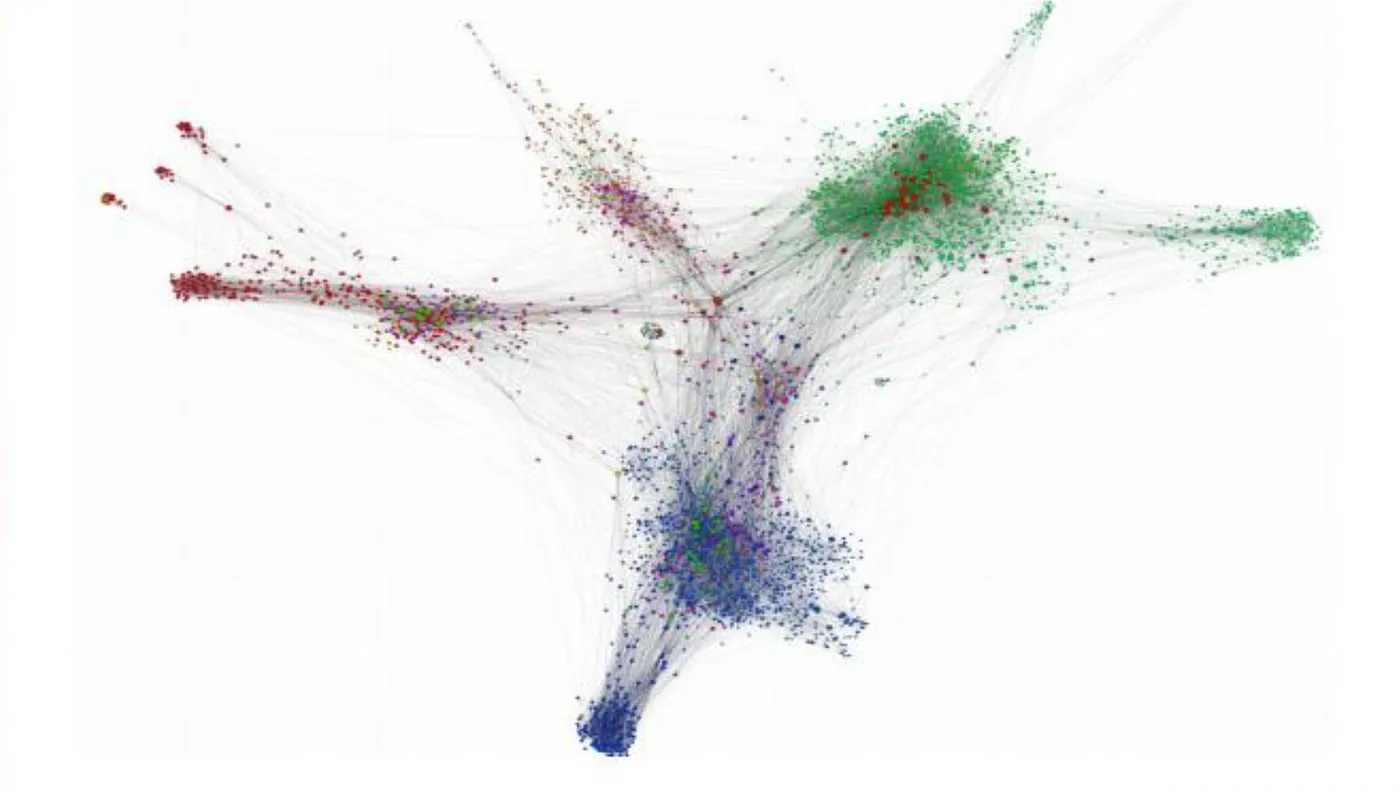
Why Neo4j Is Popular
- intuitive graph data model
- native graph storage and processing
- ACID support
- strong query performance for connected data
- flexible labeled-property graph model
- expressive query language through Cypher
- broad ecosystem support across Java, Python, .NET, JavaScript, and more
Trade-offs
- horizontal scaling depends on deployment model and architecture
- very large workloads still require careful infrastructure planning
- advanced security and encryption often need additional architecture decisions
Cypher Query Language
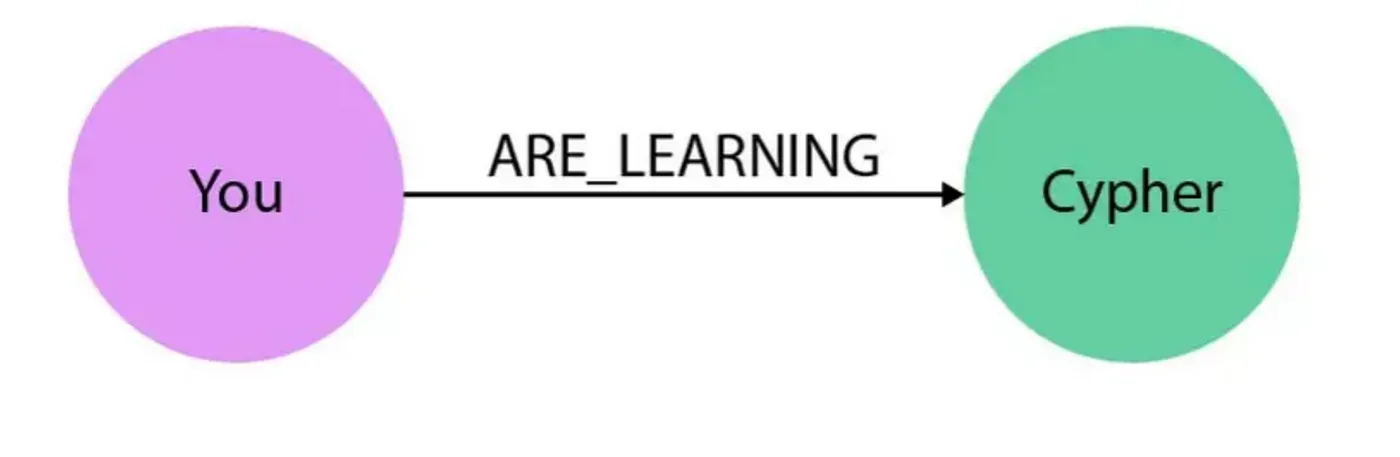
Cypher is Neo4j's query language. It is often described as "SQL for graphs", but that comparison is only partly accurate. Cypher is centered on pattern matching and relationship traversal, which makes graph queries easier to read and write.
SQL vs Cypher Example
SQL-style approach:
SELECT name FROM Person
LEFT JOIN Person_Department ON Person.Id = Person_Department.PersonId
LEFT JOIN Department ON Department.Id = Person_Department.DepartmentId
WHERE Department.name = "IT Department";
Cypher approach:
MATCH (p:Person)<-[:EMPLOYEE]-(d:Department)
WHERE d.name = "IT Department"
RETURN p.name;
The Cypher version expresses the relationship pattern directly, which is the main reason graph queries often feel more natural in Neo4j.
Create a Node
CREATE (n:Actor { name: "Tom Hanks", age: 44 });- Actor is the label
- n is the variable
- properties live inside { ... }
Read a Node
MATCH (actor:Actor)
WHERE actor.name = "Tom Hanks"
RETURN actor;
Update Properties
MATCH (person:Person {name: "Name"})
SET person.address = "New address"
RETURN person;
Delete Data
Delete a node only if it has no relationships:
MATCH (n)
DELETE n;
Delete a node and all of its relationships:
MATCH (n)
DETACH DELETE n;
Use MERGE to Avoid Duplicates
CREATE always inserts new data. MERGE first tries to match existing data and only creates it when needed.
System Requirements
- x86_64 or ARM architecture
- a compatible Java Virtual Machine
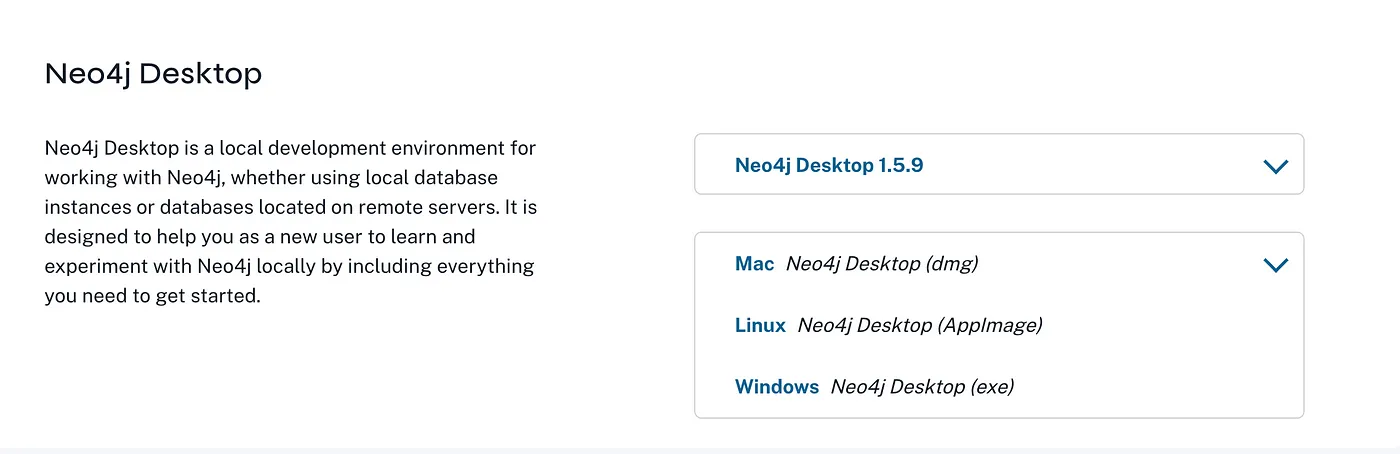
Download: Neo4j Deployment Center
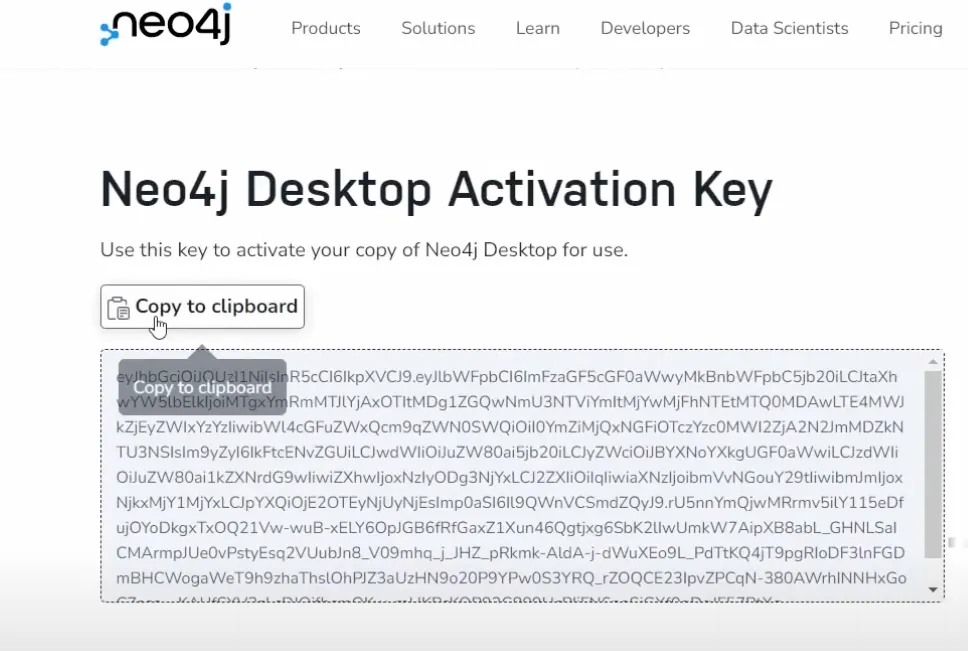
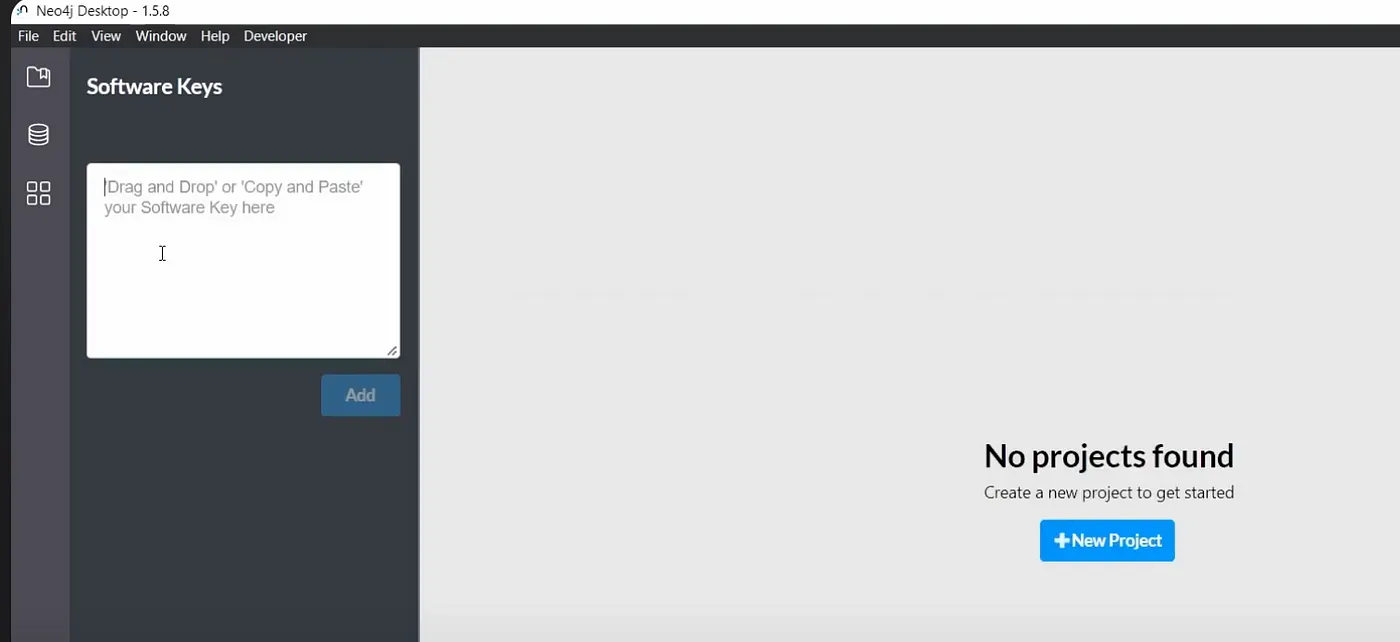
After installation, activate Neo4j Desktop with your key.
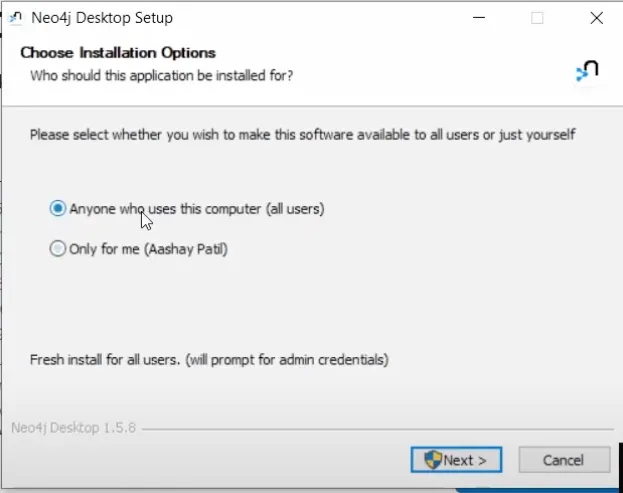
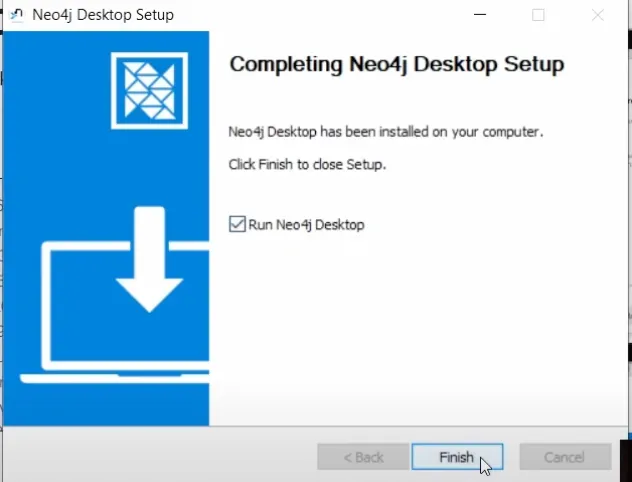
Installation Steps
- Run the installer
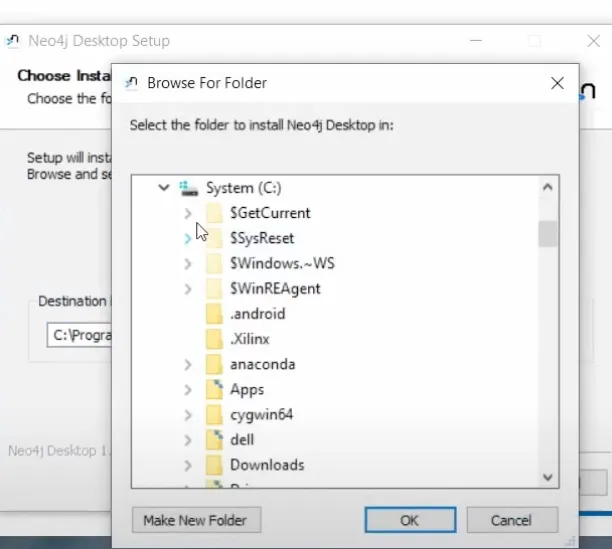
- Choose the destination folder
- Finish setup
- Activate Neo4j Desktop
Mini Project Walkthrough
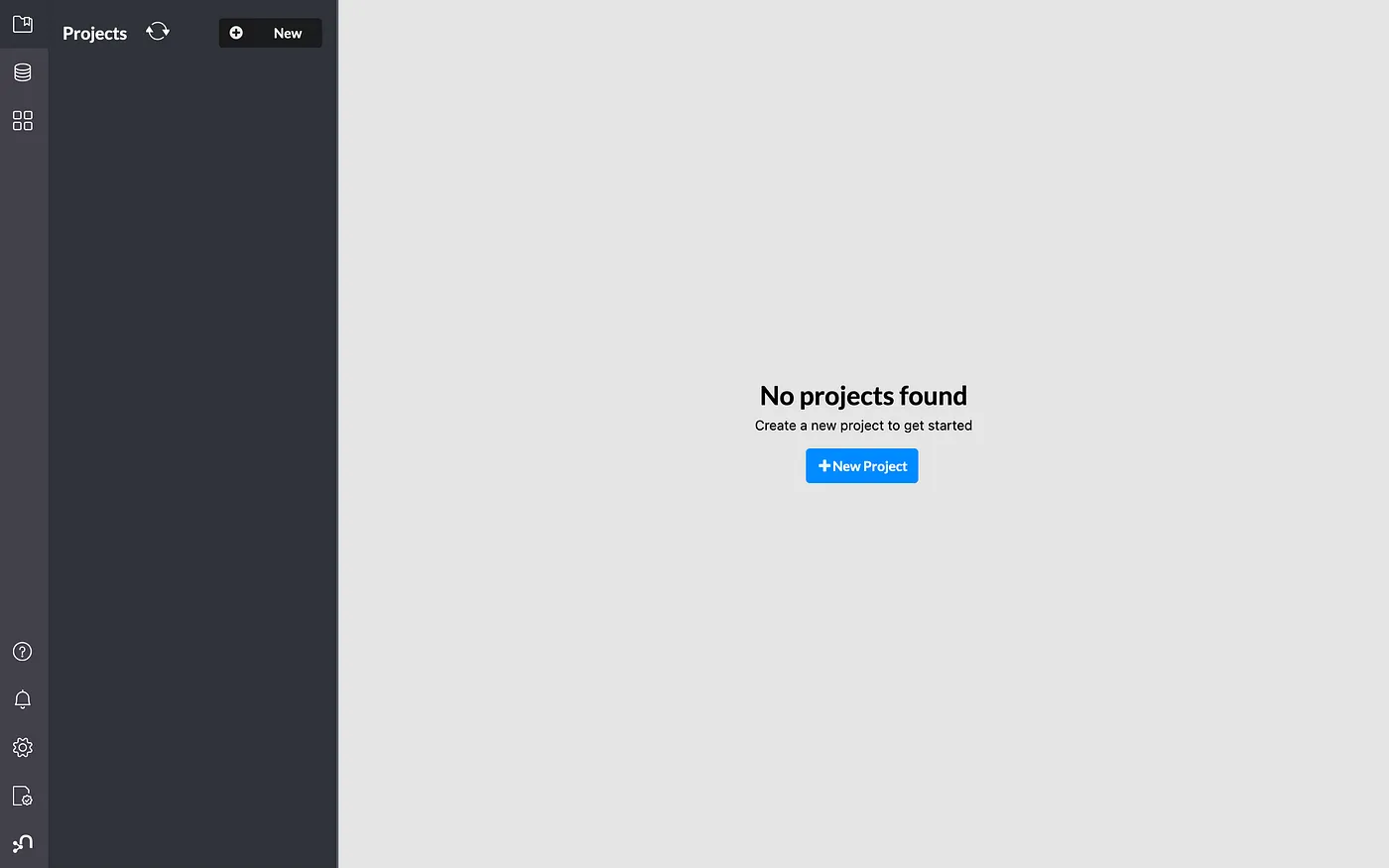
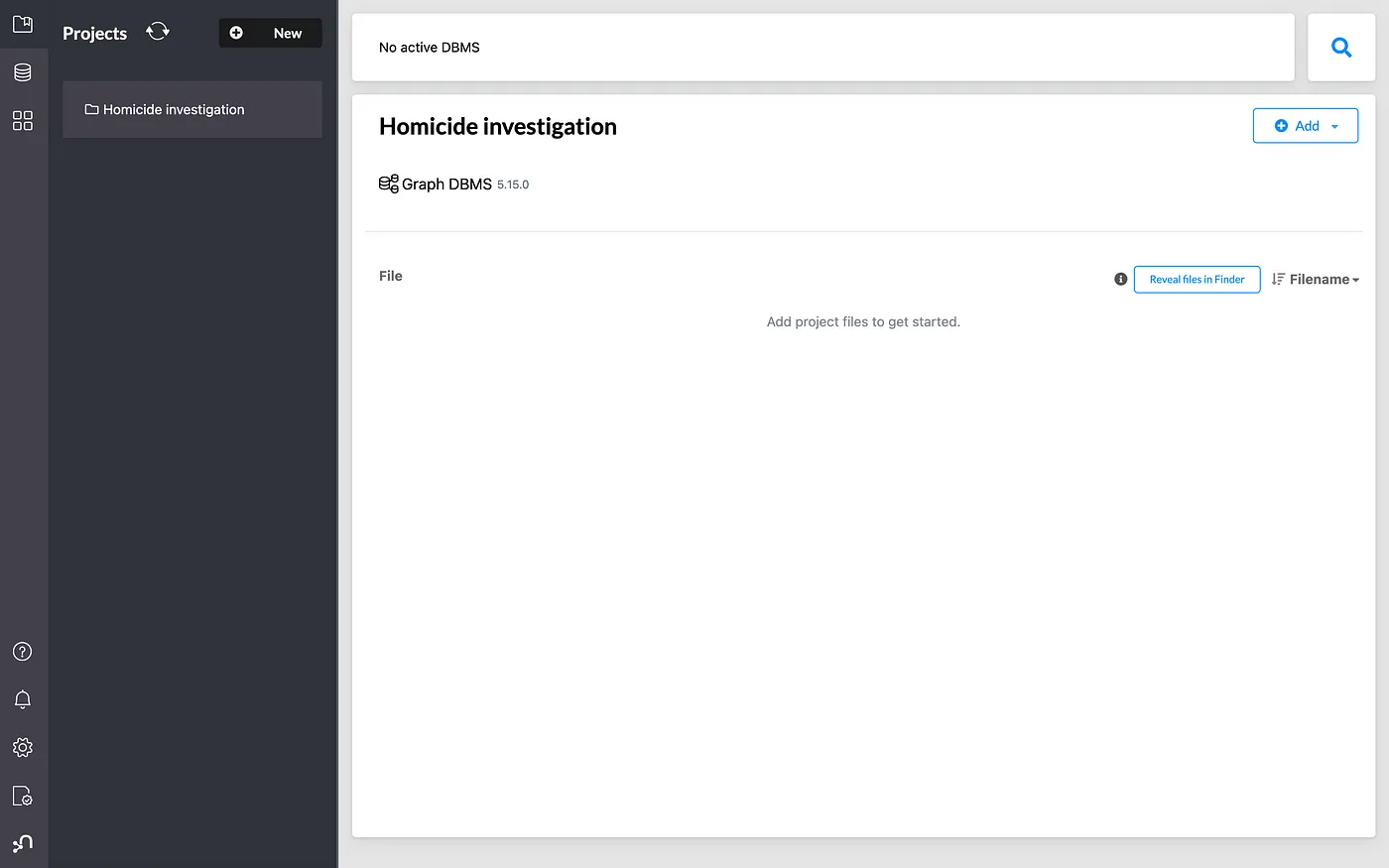
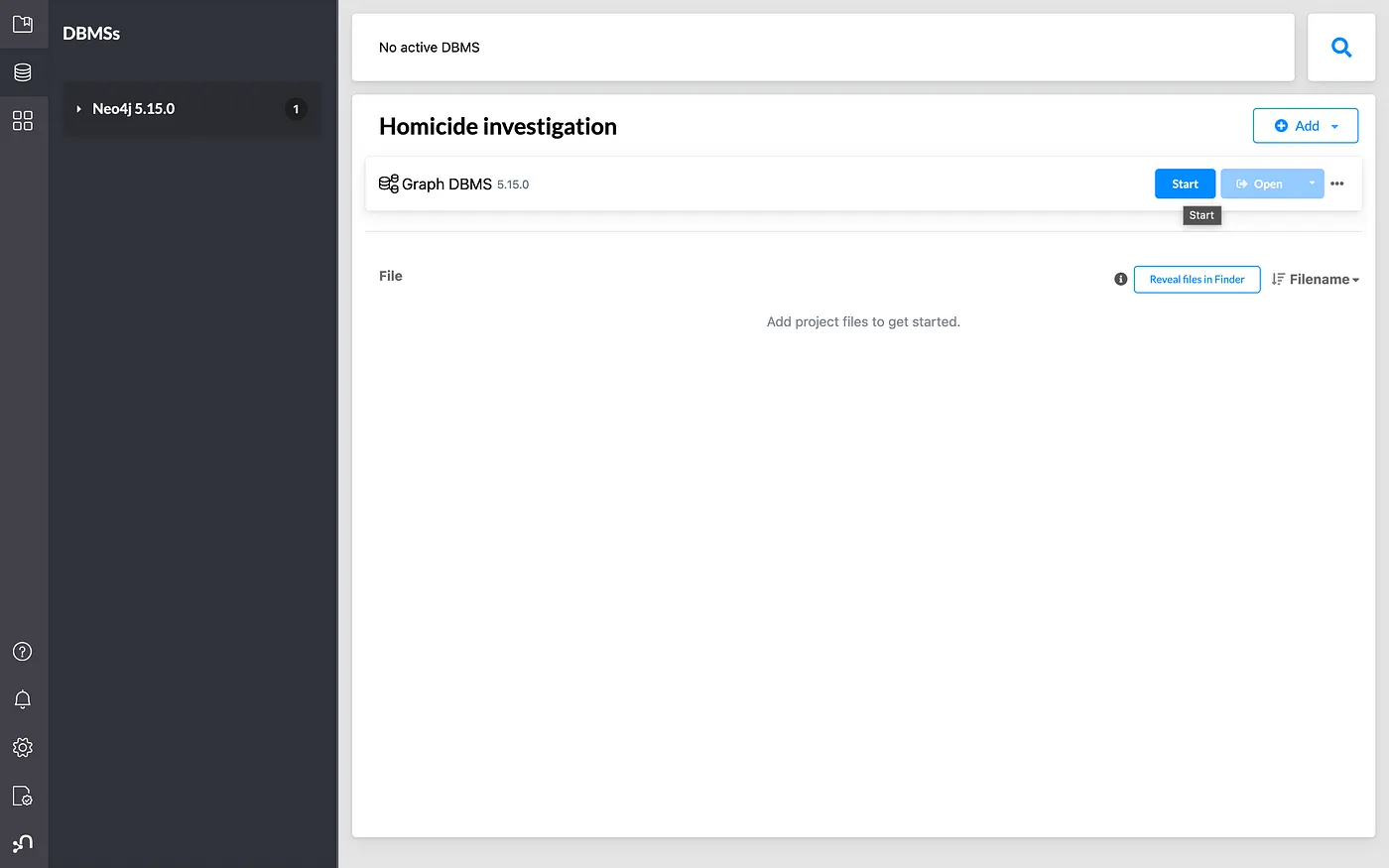
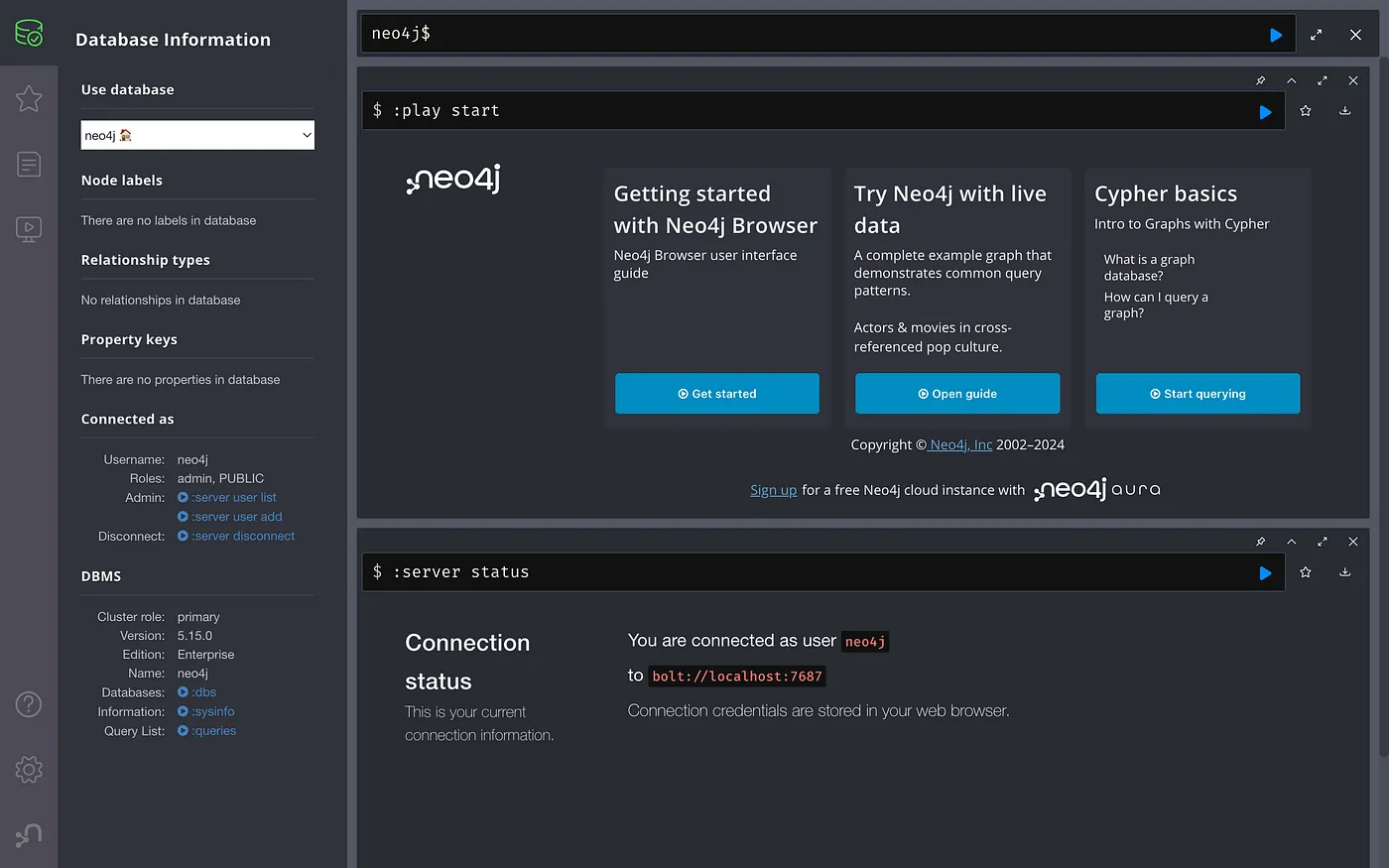
Create a project and a local database in Neo4j Desktop, start the database, and open Neo4j Browser.
Insert Sample People
CREATE (person1:Person {
  name: "First Name",
  last_name: "Last Name",
  date_of_birth: "YYYY-MM-DD",
  address: "Address",
  mob: "mob"
});

CREATE (person2:Person {
  name: "First Name 2",
  last_name: "Last Name 2",
  date_of_birth: "YYYY-MM-DD",
  address: "Address",
  mob: "mob2"
});

CREATE (person3:Person {
  name: "First Name 3",
  last_name: "Last Name 3",
  date_of_birth: "YYYY-MM-DD",
  address: "Address",
  mob: "mob3"
});
Check the Current Graph
MATCH (n)
RETURN n;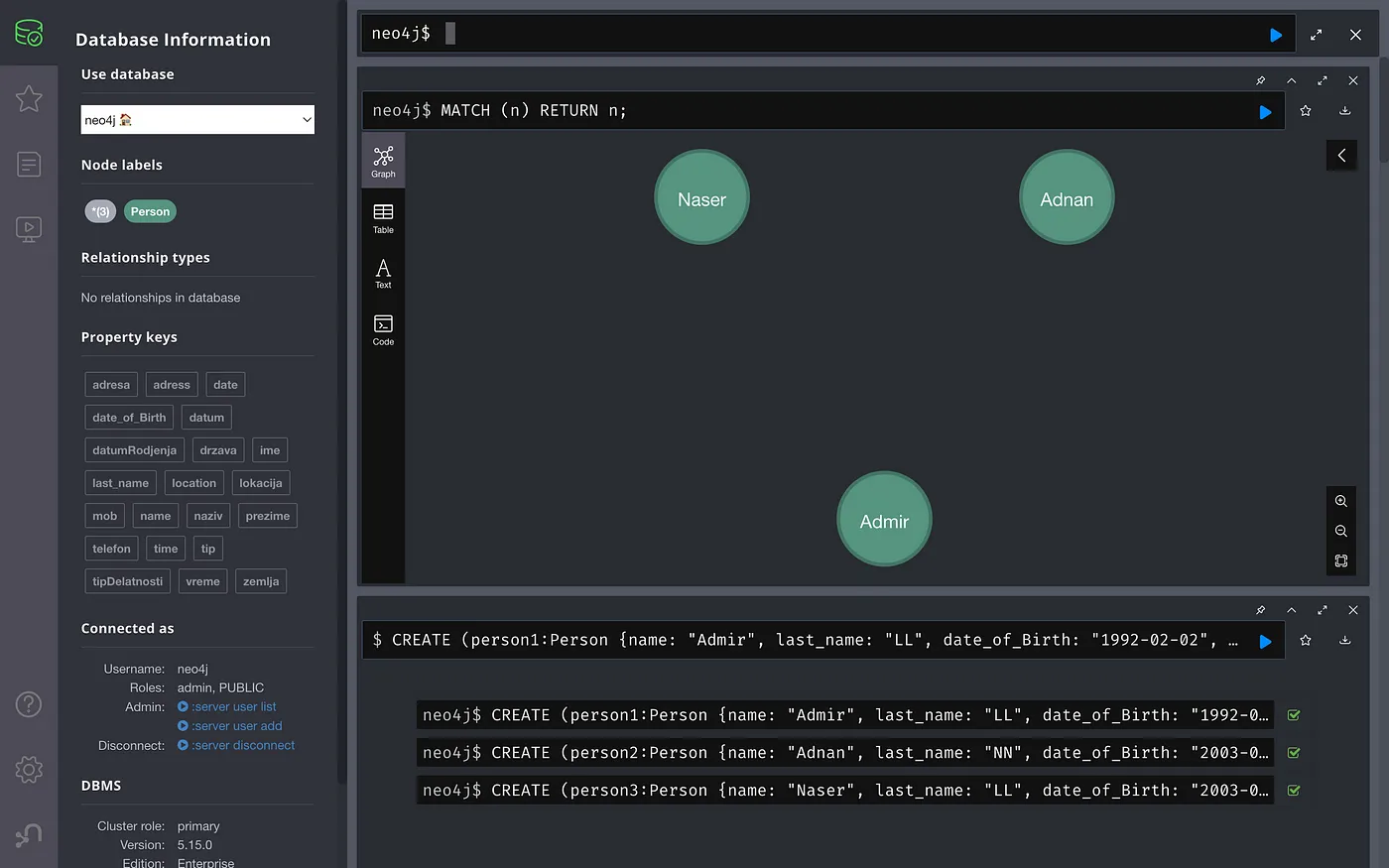
Add a Place and Relationship
CREATE (place:Place {name: "Name of place", address: "Address"});

MATCH (person:Person {name: "Name"})
MATCH (place:Place {name: "Name of place", address: "Address"})
CREATE (person)-[:LIVES_ON]->(place)
RETURN person, place;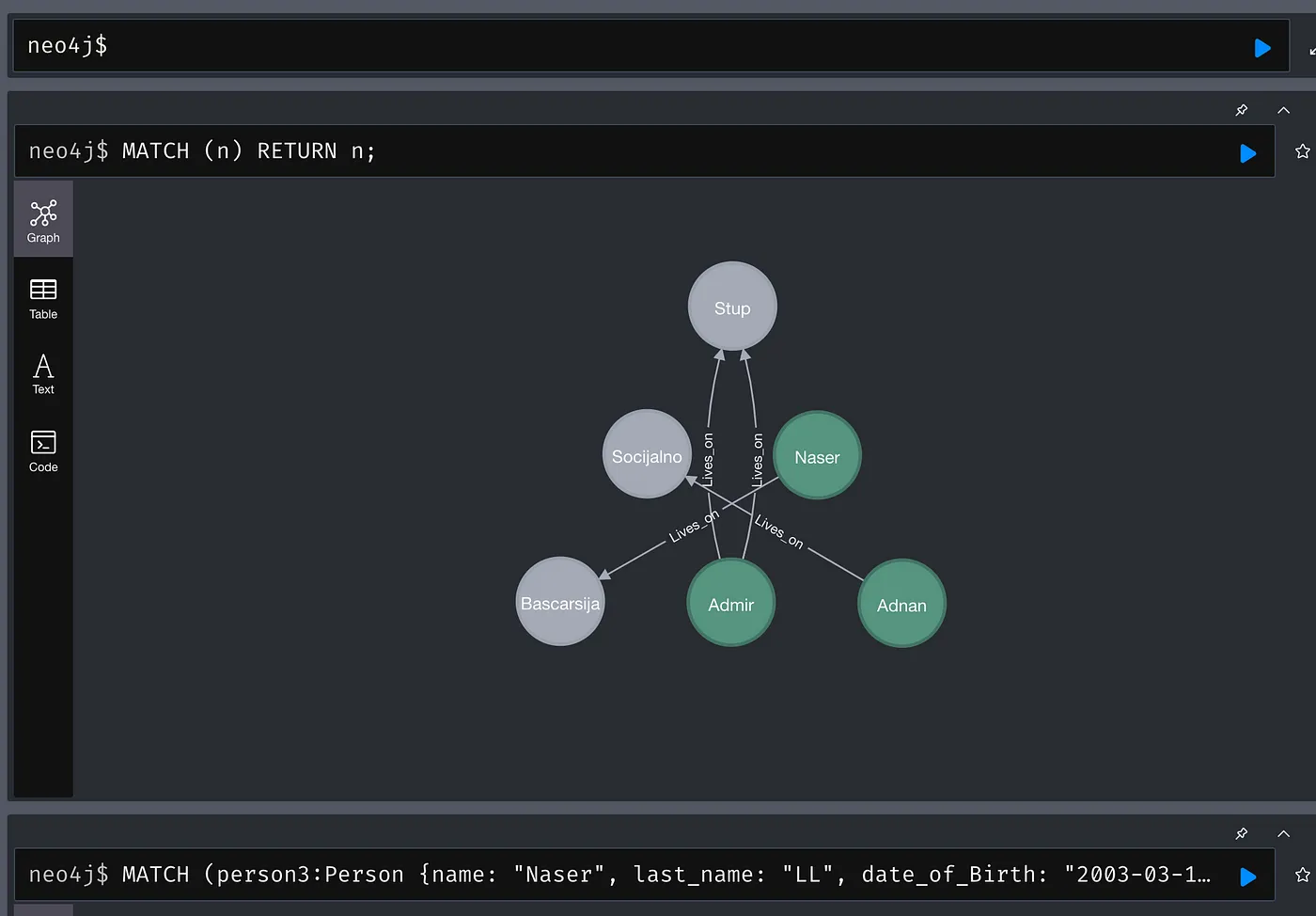
Add Jobs and Relationship
CREATE (job1:Job {name: "Bitcoin trader", address: "Remote", type: "trader"});
CREATE (job2:Job {name: "Waiter", address: "Caffe NN", type: "service industry"});

MATCH (person:Person {name: "Admir"})
MATCH (job:Job {name: "Waiter", address: "Caffe NN", type: "service industry"})
CREATE (person)-[:WORKS_AS]->(job);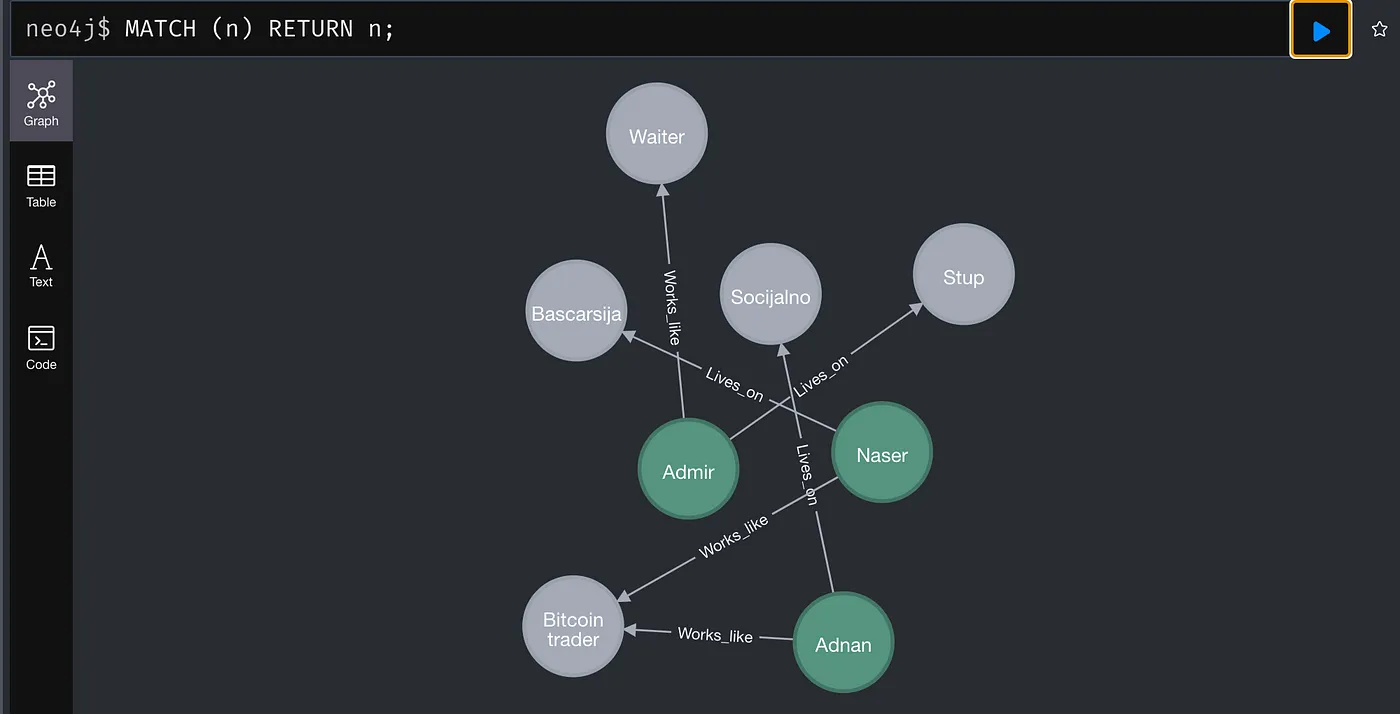
Add Family Relation and Event
MATCH (person1:Person {name: "Name"})
MATCH (person3:Person {name: "Name"})
CREATE (person1)-[:BROTHER]->(person3);

CREATE (murder:Murder {date: "Date", time: "Time", location: "Location"});

MATCH (person1:Person {name: "Name"})
MATCH (person2:Person {name: "Name"})
MATCH (person3:Person {name: "Name"})
MATCH (murder:Murder {location: "Location"})
CREATE (person1)-[:WAS_LOCATED_AT]->(murder)
CREATE (person2)-[:WAS_LOCATED_AT]->(murder)
CREATE (person3)-[:WAS_LOCATED_AT]->(murder);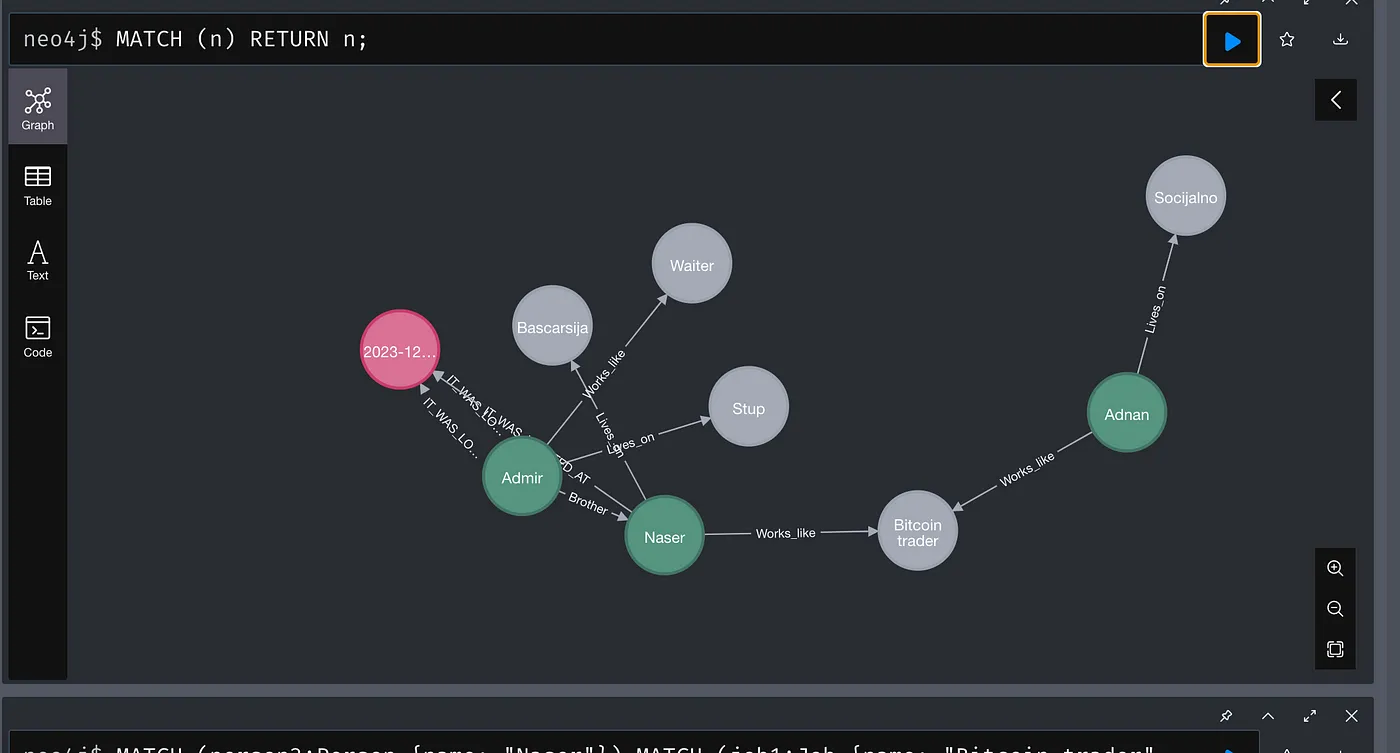

This final scenario can be extended however you like by adding more people, locations, events, and relationship types.
Where Neo4j Is Commonly Used
- social networks
- recommendation systems
- network analysis
- fraud and security analysis
- knowledge graphs
- logistics and dependency mapping

Conclusion
Neo4j is a practical choice whenever your domain is relationship-heavy.
With Cypher, you can model and query connected data in a way that is often more direct and expressive than relational joins. Commands such as CREATE, MATCH, SET, WHERE, MERGE, RETURN, and DETACH DELETE give you a solid foundation for building real graph-driven applications.